

USB / OTG connection for mobile and desktop devices
QBK Web App (PWA – zero install)
Configuration Troubleshooting Control
Q|beam is an infrared transceiver for QBK Burner Control Units, designed for effortless configuration and quick troubleshooting.
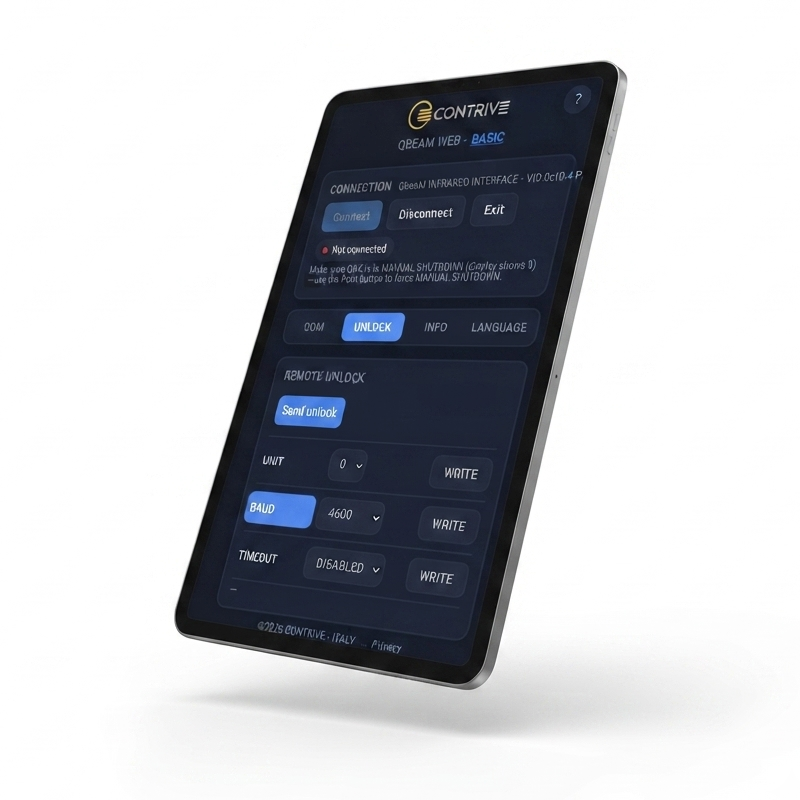
It works seamlessly both with our PWA (accessible via any browser) for instant mobile and cross-device use, and with the Q|tool desktop configuration software.
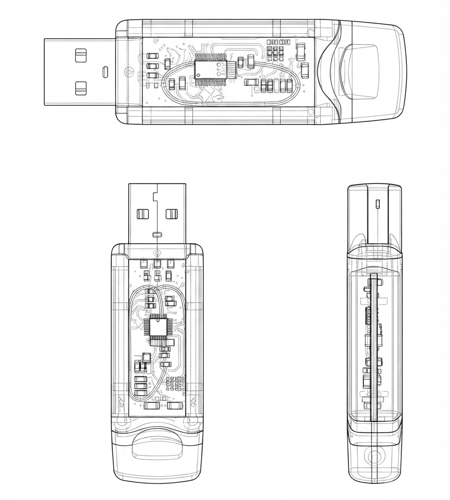
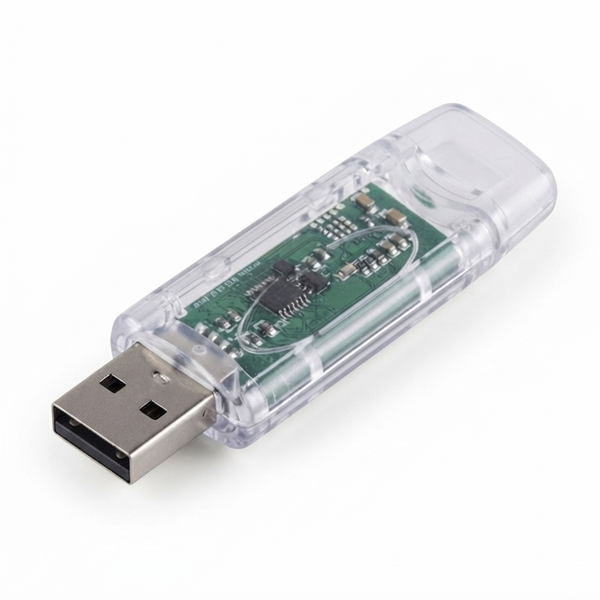
Q|beam – USB/OTG
Infrared transceiver equipped with a USB-A connector for direct connection to PCs.
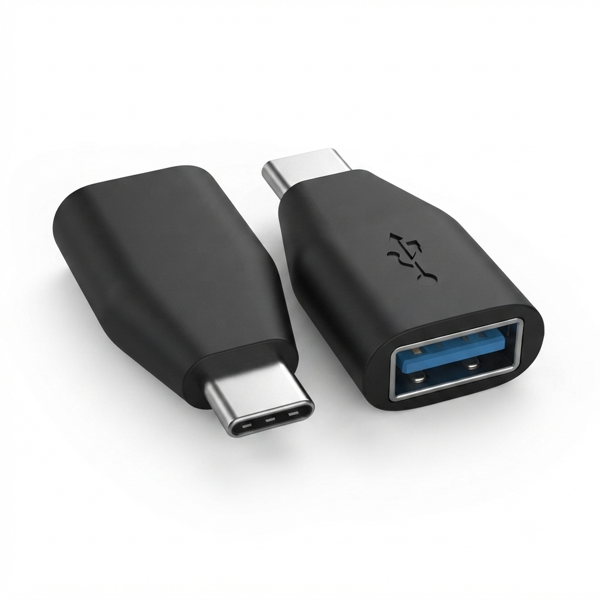
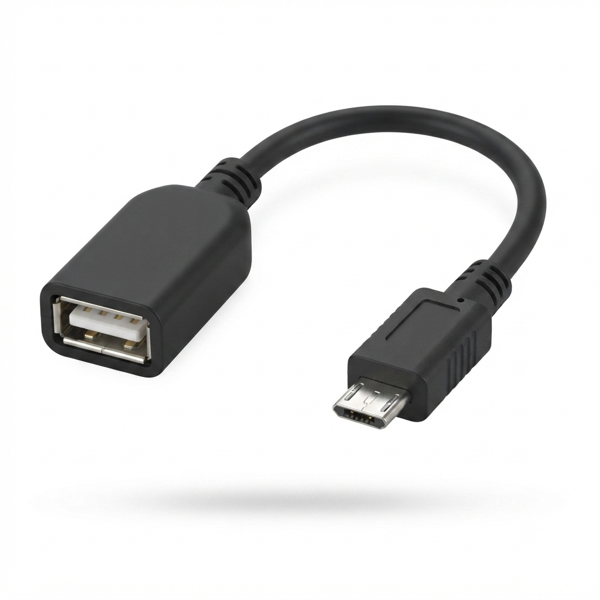
Included in the package is a choice of either a USB-B adapter or a USB-C adapter for connecting to Android smart devices equipped with a USB/OTG port.
- • PortUSB A male
- • Standby Current<20 mA
- • Transmission Current<70 mA
- • Dimension71 × 23 × 8,7 mm
- • Weight20 g
| ORDER CODE | DESCRIPTION | NOTE |
|---|---|---|
| 1471.00.01B |
Q|beam USB QBK infrared USB/OTG interface USB-B adapter included |
ACTIVE |
| 1471.00.01C |
Q|beam USB QBK infrared USB/OTG interface USB-C adapter included |
ACTIVE |
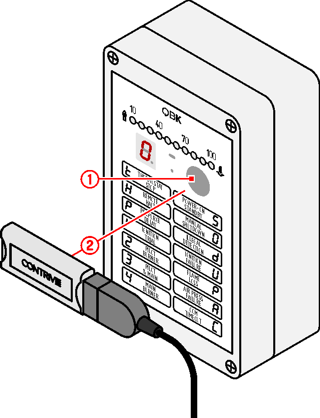
| 1 | PRESS THE BUTTON TO PUT DEVICE IN MANUAL SHUTDOWN |
|---|---|
| 2 | POINT Q|BEAM TOWARD THE DEVICE PUSH BUTTON AT A DISTANCE OF 30 TO 60 cm |
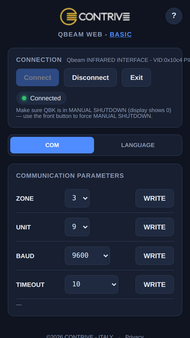
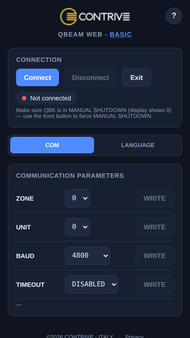
COM
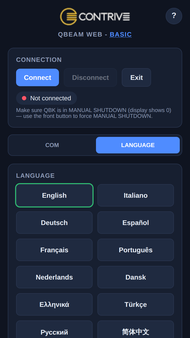
- TraxBus PARAMETER SETTINGS:
- • ZONE
- • UNIT
- • BAUD RATE
- • COM TIMEOUT
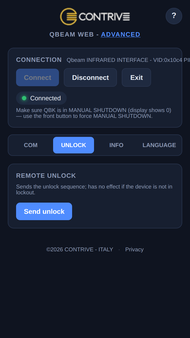
UNLOCK
- Button to reset from lockout
INFO
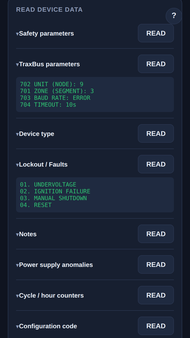
- Read current data from device:
- • SAFETY PARAMETERS
- • TraxBus PARAMETERS
- • DEVICE TYPE
- • LOCKOUTS/FAULTS
- • NOTES
- • POWER SUPPLY ANOMALIES
- • CYCLE/HOUR COUNTER
- • CONFIGURATION CODE