|
DEVICE |
|
|
|
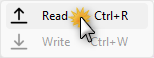
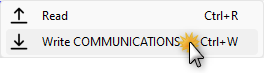
Click Read to load the configuration and all information from the device connected to selected com port into the current workfile. Before to start you must specify Settings > COM Port. Shortcut keyboard command: Ctrl+R |
|
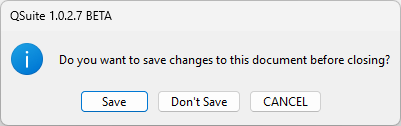
If the current project has been modified, you will be asked for confirmation before proceeding.
|
|
|
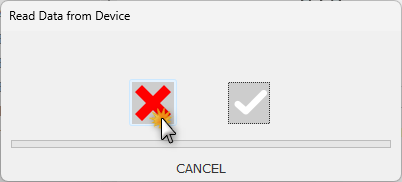
You may cancel:
|
|
|
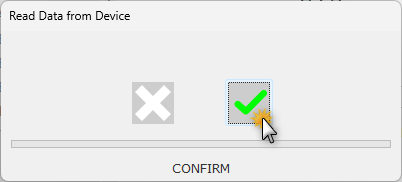
or confirm the operation:
|
|
|
|
If you are on COMMUNICATIONS, you will have the option to send the current settings to the device. Before to start you must specify Settings > COM Port. Shortcut keyboard command: Ctrl+W |
|
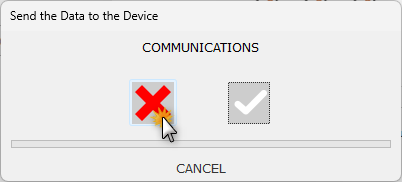
You may cancel:
|
|
|
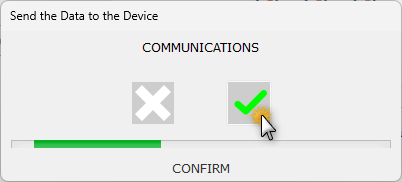
or confirm the operation:
|
|
|
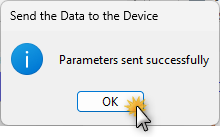
Confirmation that the parameters have been successfully transferred:
|
|
|
or something went wrong:
|
|
|
|
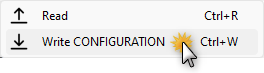
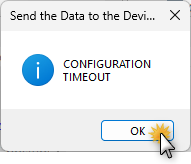
If you are on CONFIGURATION, you will have the option to send the current settings to the device. Before to start you must specify Settings > COM Port. Shortcut keyboard command: Ctrl+W |
|
If the current project has been modified, you will be asked for confirmation before proceeding.
|
|
|
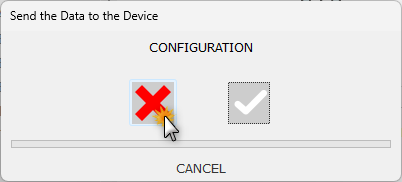
You may cancel:
|
|
|
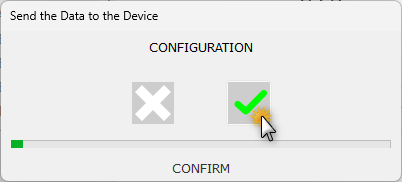
or confirm the operation:
|
|
|
Confirmation that the parameters have been successfully transferred:
|
|
|
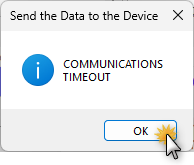
or something went wrong:
|
|
|
|
|
|
After each writing, the parameters are read back for verification. A warning is generated if one or more parameters have not been written correctly, the affected parameters will be highlighted in red. The person responsible for the configuration operations will then have to repeat the procedure ensuring that it is correctly completed. In the unlikely event that the error persists, there may be damage to the device's memory, which therefore needs to be returned for repair. |
|
QSuite