|
FILE |
|
|
|
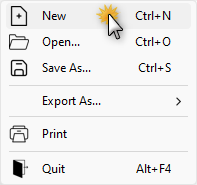
Create a new empty workfile. The parameters will be populated with the default values. Shortcut keyboard command: Ctrl+N
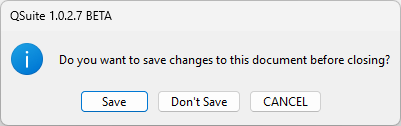
If the current project has been modified, you will be asked for confirmation before proceeding.
|
|
|
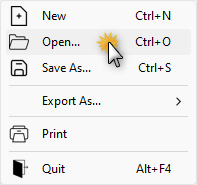
Load an existing project, the file name will be visible in the TITLE BAR. Shortcut keyboard command: Ctrl+O
If the current project has been modified, you will be asked for confirmation before proceeding.
|
|
|
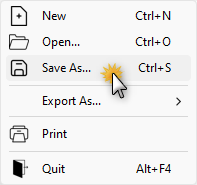
Save current project to file. Shortcut keyboard command: Ctrl+S If the file is new and this is the first time that you're saving it, type a name for the file in the File name box, and then click Save. |
|
|
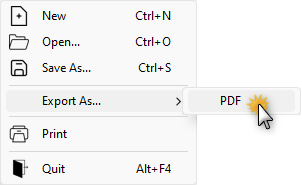
Creates a PDF file containing the current configuration. |
|
|
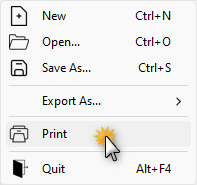
Send the list of configuration parameters and device information within the current workfile to a printer. |
|
|
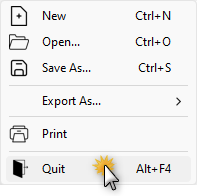
Close the application. Shortcut keyboard command: Alt+F4 If the current project has been modified, you will be asked for confirmation before proceeding.
|
QSuite