|
SETTINGS |
|
|
|
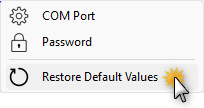
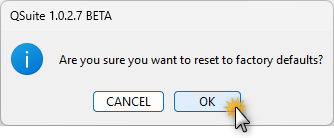
Click OK to restore all the workfile values to factory default. (communication and configuration)
|
|
|
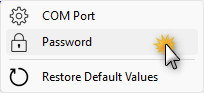
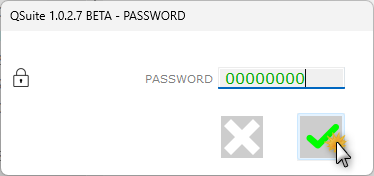
Click to set the password that will be used to access the device. It must correspond to the one set in the device, otherwise writing operations will not be possible.
|
|
|
The default password is 0000000,any other will be masked. |
|
|
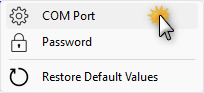
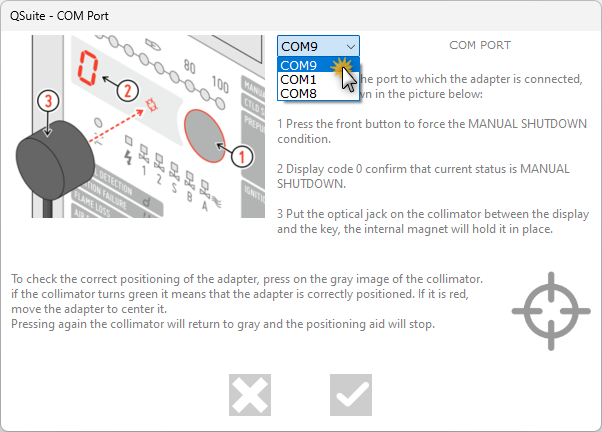
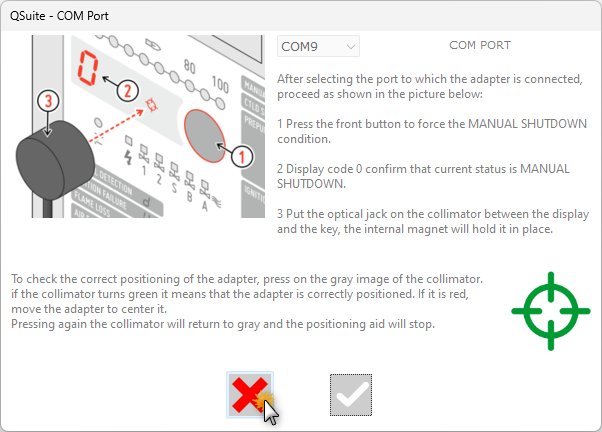
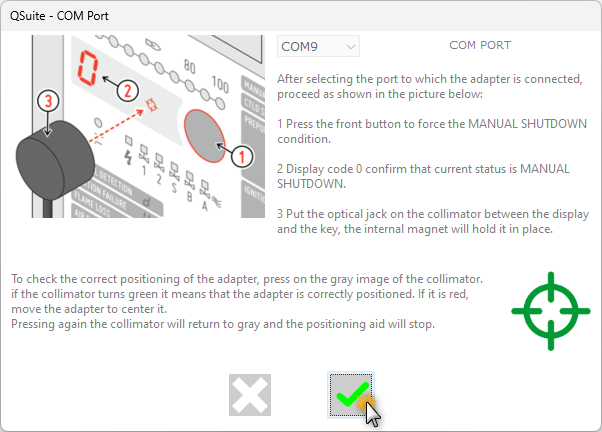
Click COM Port and choose the port to which you connected the Q.link magneto-optical adapter. |
|
The optical adapter requires a USB software driver which may already be installed on your PC. If it is not installed you can download it HERE |
|
|
Current settings are shown in the STATUS BAR. This window also opens by clicking on the COM setting in the STATUS BAR.
|
|
|
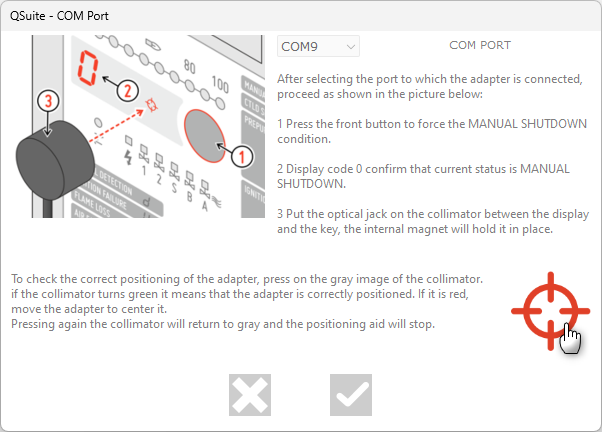
After you have selected the port, click the crosshairs which helps you position the Q.link correctly: if it is RED it means that the position is not correct.
|
|
|
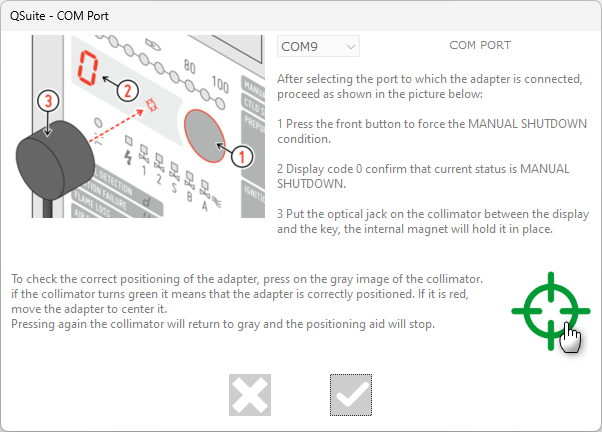
When the collimator turns GREEN it means that Q.link is in the right position.
|
|
|
You may cancel:
|
|
|
or confirm the settings:
|
|
QSuite