|
COMMISSIONING |
|
|
|
|
|
Some operations useful for commissioning can be managed by the specific utility available in the Q.Suite program. The first 4 character of the password are required to enter COMMISSIONING mode. |
|
|
|
|
|
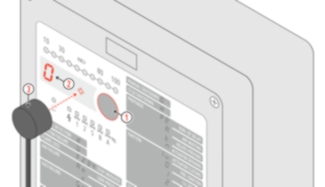
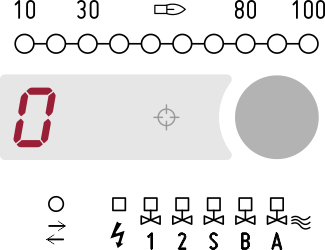
Press the button to place the device in MANUAL SHUTDOWN and put the optical jack Q.link in position.
|
|
|
A period of inactivity greater than 5 minutes or the removal of the magneto-optical jack forces exiting the commissioning environment and returning to MANUAL SHUTDOWN. |
|
|
|
|
|
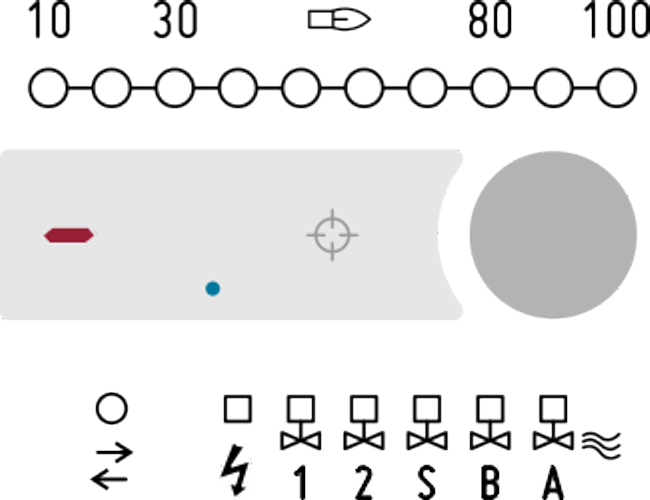
The blue display dot indicates that the device is in COMMISSIONING mode. Once entered COMMISSIONING mode, the device responds to the commands that are given by the specific software utility to proceed step by step. |
|